
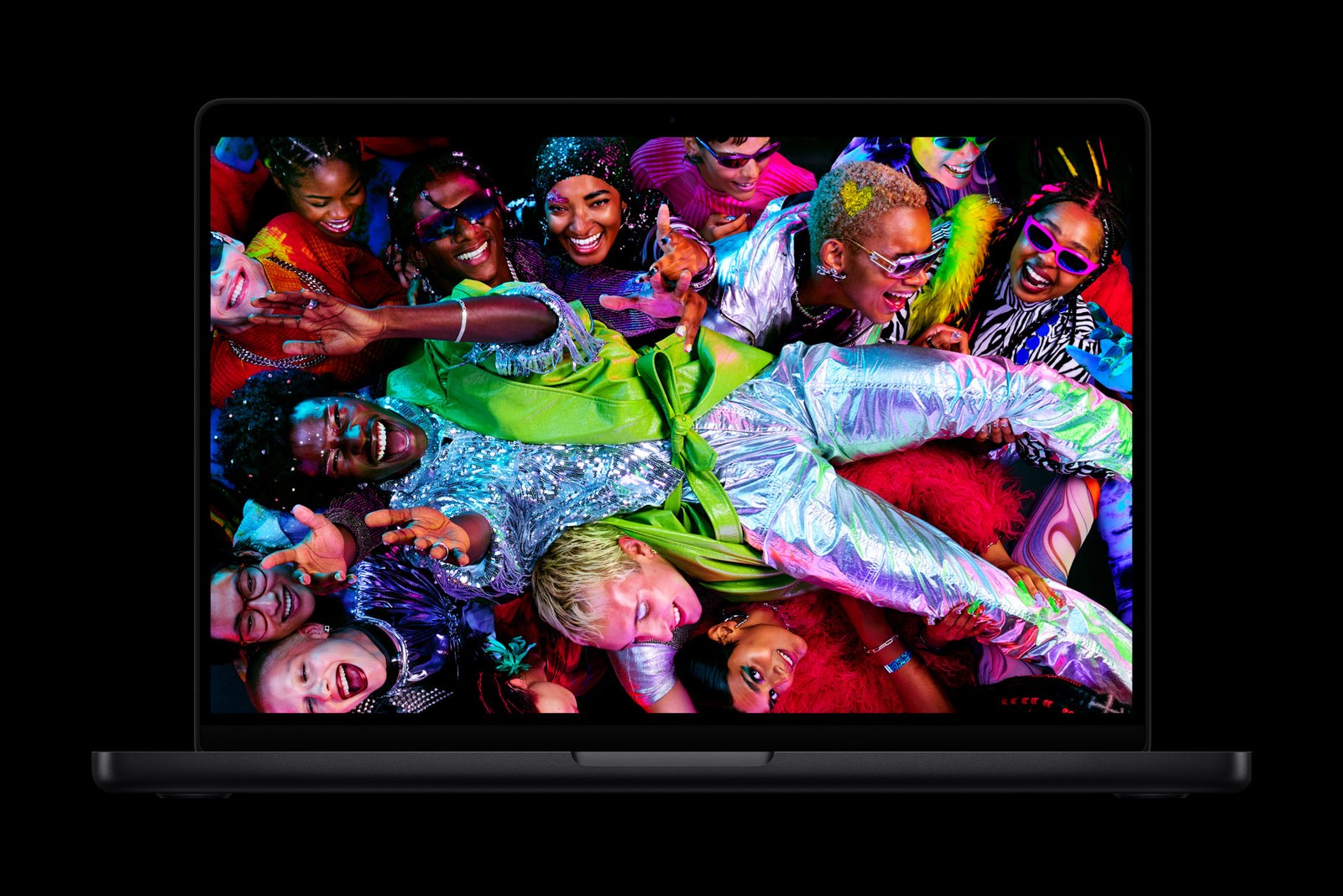
A new third-party Mac app called Backglow gives owners of the new MacBook Pro more control over the illuminated Apple logo on the lid, according to MacRumors. The app was created by designer Juan Buis.
The glowing logo is one of the more visible changes on the latest MacBook Pro models, and until now the options for managing it have been limited. As MacRumors notes, Apple does not let users set the logo's brightness independently of the display, and turning the light off has required a Terminal command. Backglow wraps those controls in a simple app.
What the free version does
The free version of Backglow lets users set the logo's brightness by hand, separate from the screen brightness on the MacBook Pro. It can also switch the light off entirely with a single click, removing the need to type commands. A further free option, called Breathe mode, makes the logo pulse gently, in a way MacRumors compares to the sleep indicator light found on older MacBooks.
Paid extras
A one-time purchase unlocks a Pro version of the app. MacRumors reports the price is $9 for a limited time and $15 afterward. Pro adds two more modes. Music mode makes the logo's light move in time with whatever the user is playing on the Mac. Agents mode makes the light pulse while the Claude Code coding tool is working and blink when it needs the user's attention.
Why it matters
The app is a small utility, but it shows how quickly developers are experimenting with the new hardware. Apple has so far treated the glowing logo as a fixed design element with only a basic off switch, and Backglow suggests that some owners want finer control, whether that means dimming it for a quieter look or turning it into a status light.
Backglow is an independent project and is not made or endorsed by Apple, and the details above come from MacRumors' report. Apple has not announced any changes to the logo's built-in settings, and the app's behavior on individual machines has not been independently verified by Cupertino News.

0 comments